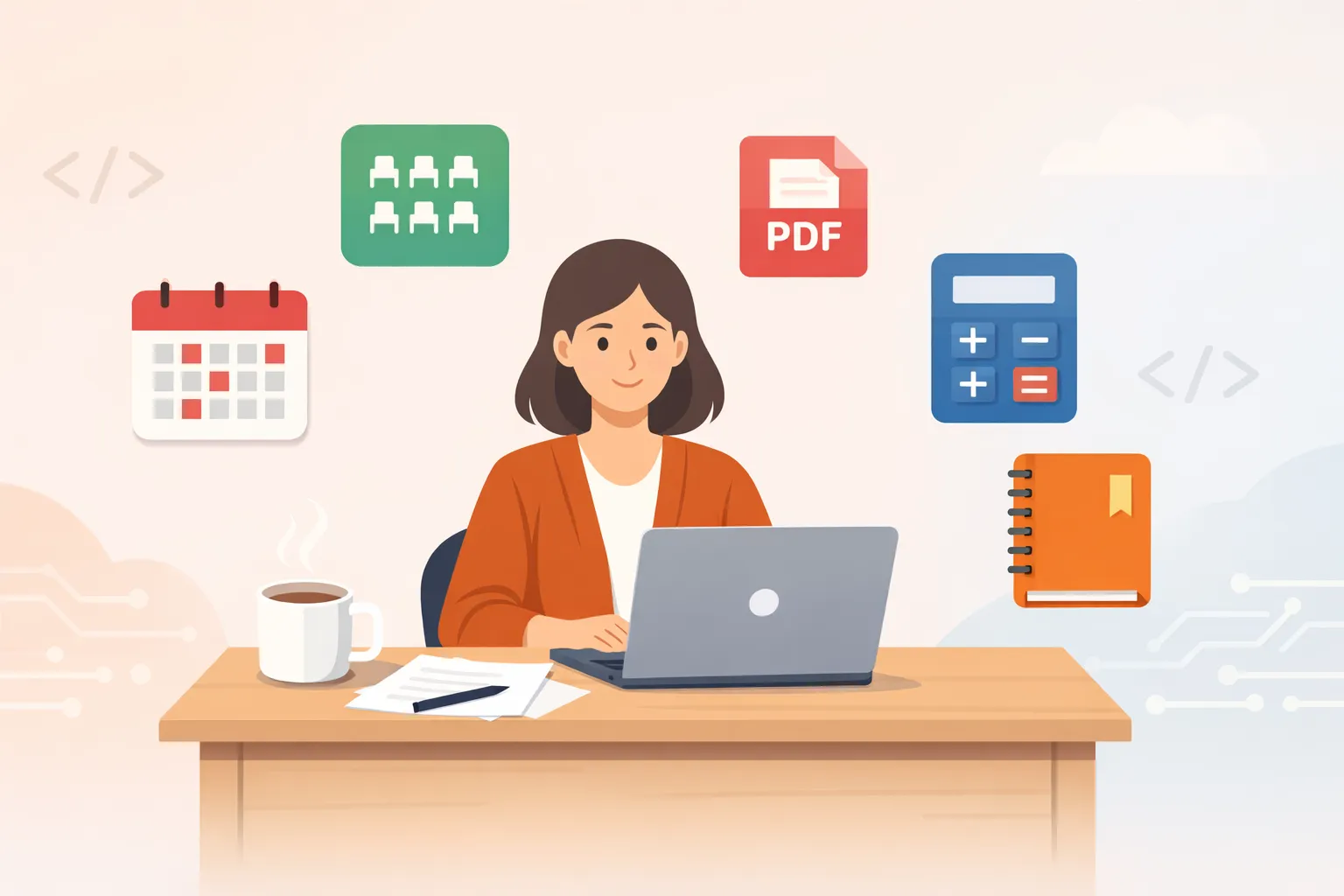
I arrive at school at 7 AM. Teach six periods. Coach a club. Process grades and parent communications. File paperwork for an upcoming field trip. Leave around 8 PM.
That’s my daily life as a high school teacher in Japan.
And somehow, over the past three months, I built five apps. With virtually zero programming experience — just a college course in C that I barely remember. (I introduced the first four in my portfolio post.)
It all started when I discovered vibe coding.
What Is Vibe Coding?
Vibe coding is a development approach where you describe what you want to build in plain language, and AI writes the code. The term was coined by AI researcher Andrej Karpathy and was named Collins Dictionary’s Word of the Year in 2025.
My tool of choice is Claude Code — a terminal-based AI assistant that builds applications through conversation. (I also documented building a tarot app in 3 days with this tool.) The amount of code I’ve personally written is close to zero. But the amount of words I’ve written — explaining what I need, who it’s for, how it should work — runs into the thousands.
The real skill in vibe coding isn’t programming. It’s articulating your problems clearly. And as a teacher, that’s something I do every single day.
Five Apps, Five Problems That Needed Solving
Here are the five apps I built in three months. They all share one thing in common: every single one started with a real problem I was facing at work. No market research. No business plans. Just “I wish this were easier.”
1. Seating Chart Tool — Built in One Day
The Problem
Seating arrangements sound trivial, but for homeroom teachers, they’re a real headache.
Drawing lots is fair and students love the excitement. But reality is more complicated. Some students need to sit near the front due to vision issues. Certain combinations should be avoided. Wheelchair accessibility matters. I was juggling all these constraints in my head while manually building seating charts in Excel.
What I Built
A browser-based seating tool in vanilla JavaScript. Enter student names, drag and drop to arrange seats, set accommodation requirements, and the randomizer respects them automatically. No server needed — it runs entirely in the browser.
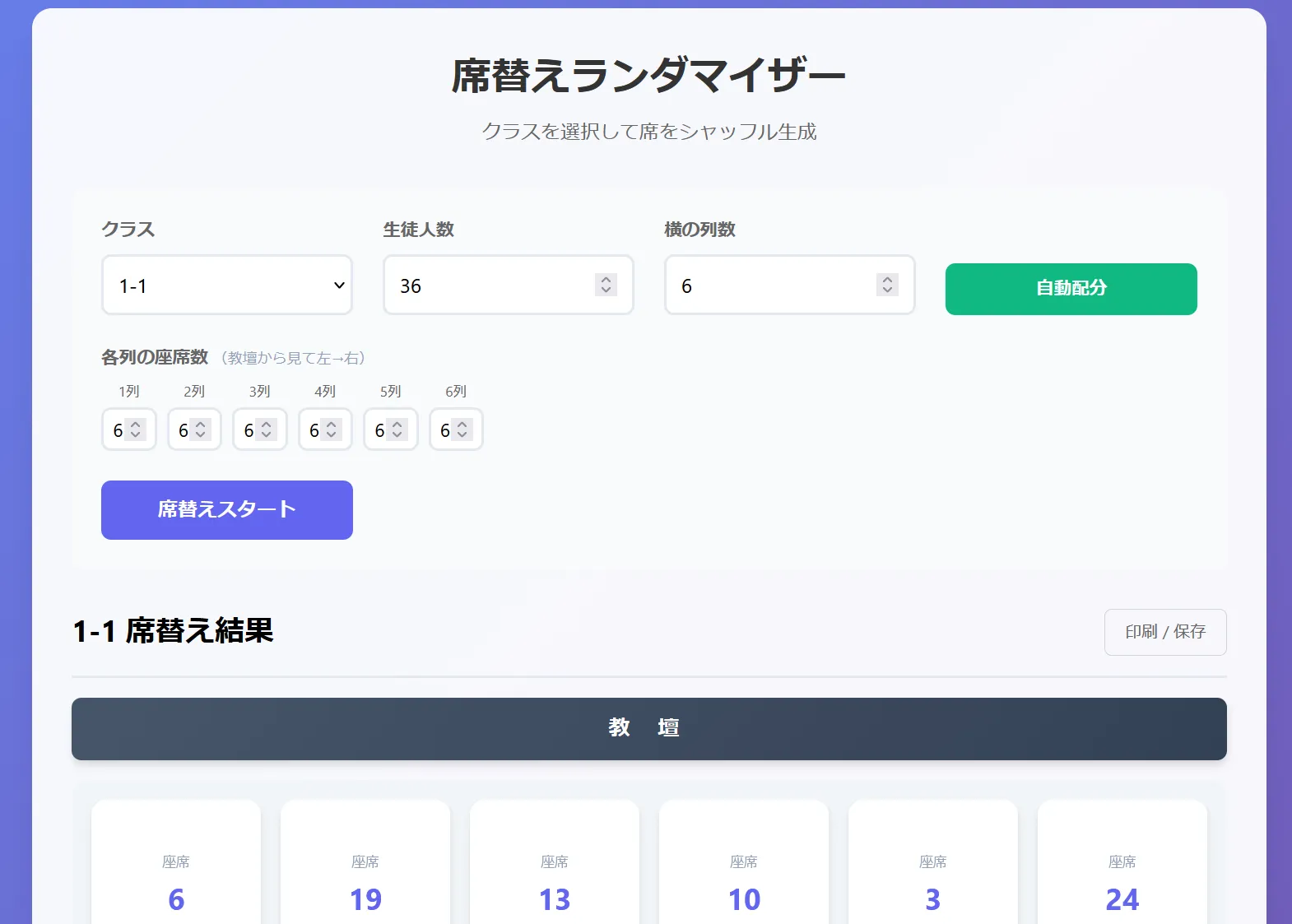
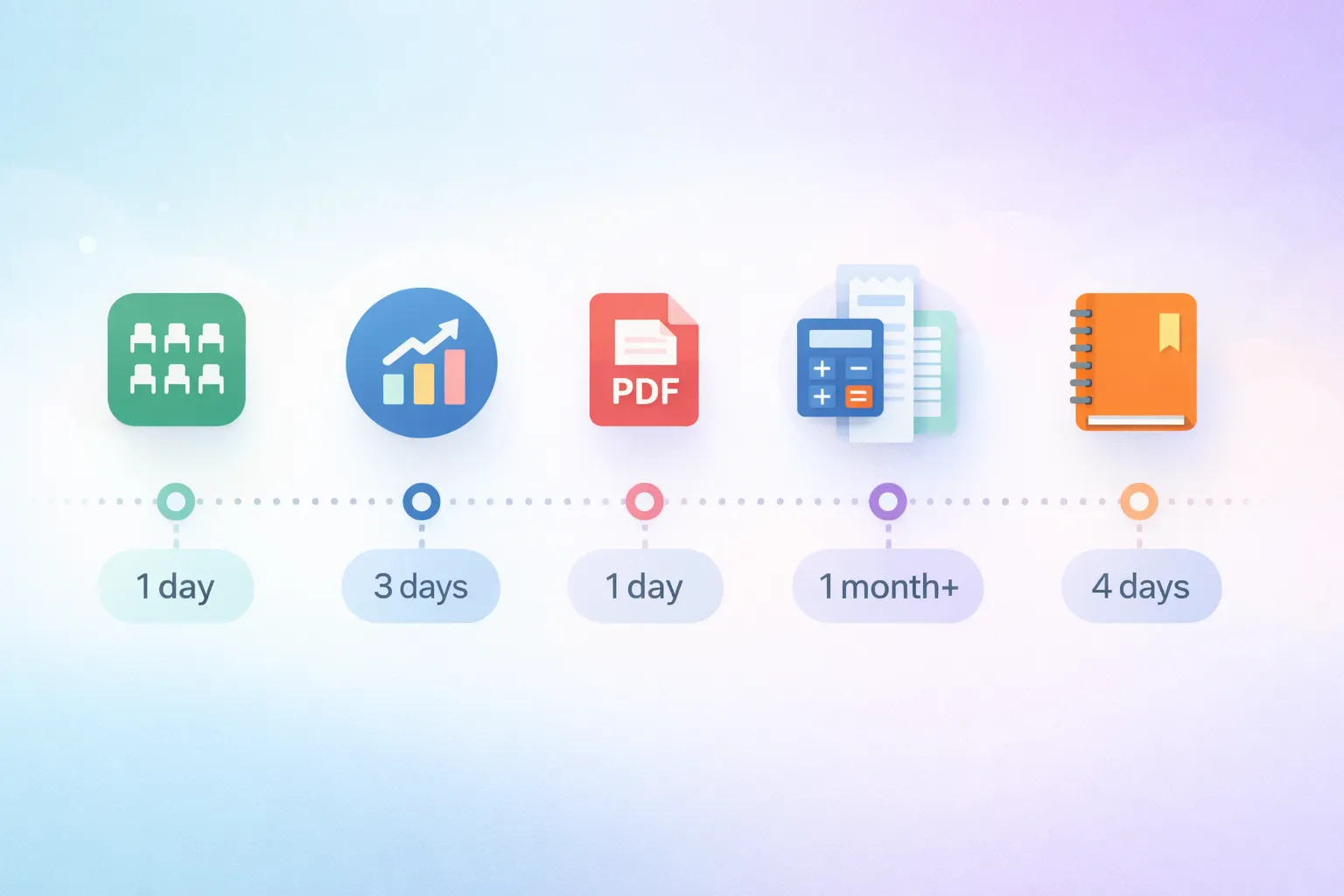
Built in one day. This was my very first app.
The Impact
Almost every homeroom teacher at my school now uses it. Colleagues regularly ask me to share the URL.
I’m actually thinking about adding a lottery mode — letting students draw lots live in class for the remaining seats after pre-fixing the ones that need accommodation. The best of both worlds.
2. Lesson Progress Tracker — A PWA in 3 Days
The Problem
I teach multiple classes per week. For each one, I need to track “where did we get to today?” and compare it against the annual curriculum plan.
I was managing this in Excel. Formulas kept breaking. The spreadsheet got bloated. I couldn’t update it from my phone. And there was never time to open a laptop between classroom changes.
What I Built
A PWA (Progressive Web App) built with React and Vite. I launch it from my phone’s home screen and log the day’s progress in seconds, right there in the classroom.
The key feature: it’s optimized for my specific school. All courses are pre-registered, so I just select from a list. Credit hours and required teaching hours for specialized subjects are already configured. Instead of “enter your progress,” it asks “which class did you teach today?”
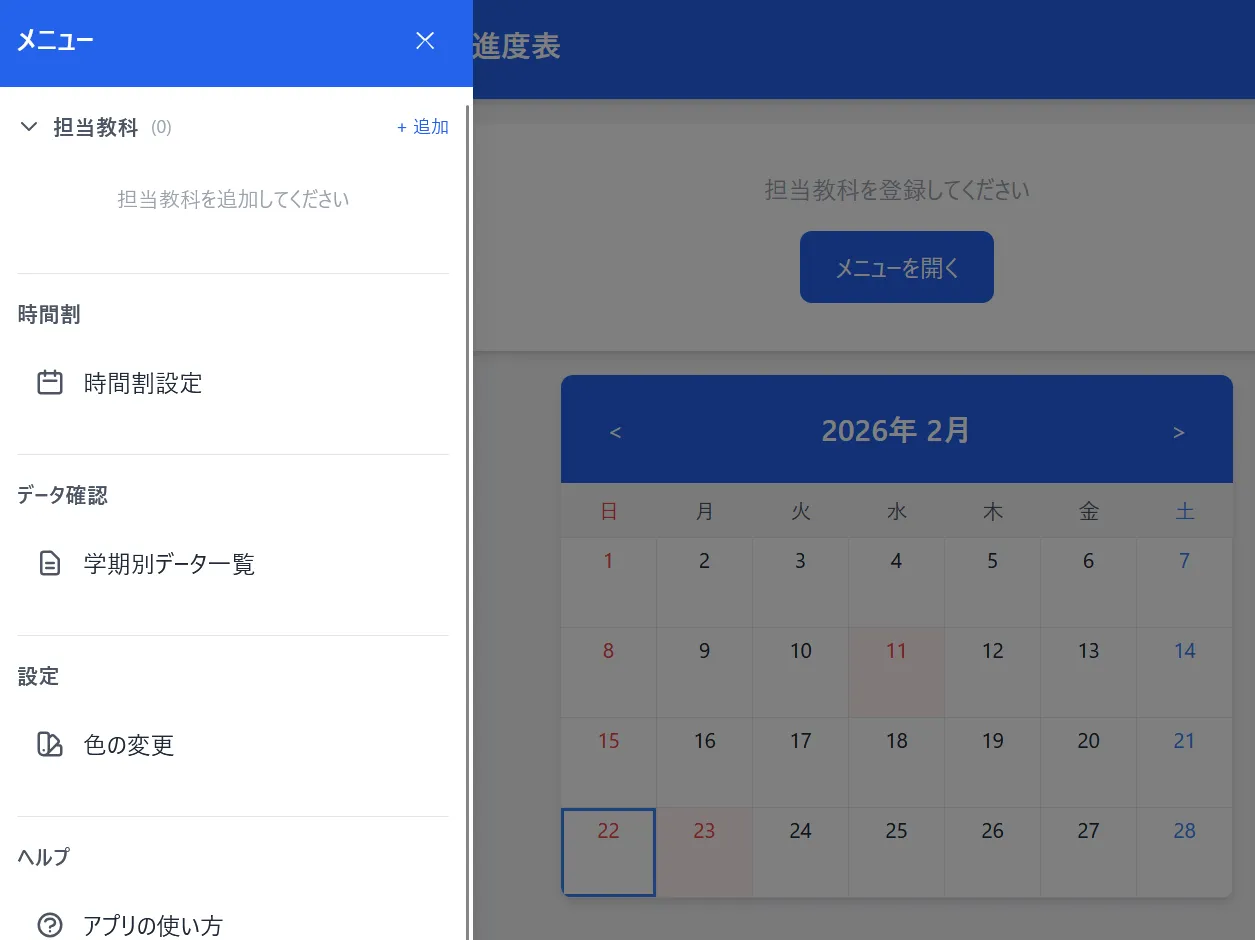
Core features done in 3 days. I’ve continued polishing the UI, but the fundamentals were ready on day three.
The Impact
Ten seconds. That’s all it takes to log a class. No more returning to the staff room to open Excel. I can instantly see which classes are running behind schedule and adjust my next lesson accordingly.
3. PDF Splitter — A Daily Essential
The Problem
Schools receive mountains of PDFs. Job postings for students, grade reports, training materials. Splitting these by student or by class — or merging multiple PDFs into one — is a constant task.
There are plenty of online PDF tools. But uploading PDFs containing students’ personal information to external servers? That’s a non-starter. School data security policies prohibit it, and common sense agrees.
What I Built
A fully local PDF splitter and merger using vanilla JavaScript, pdf.js, and pdf-lib. It runs in the browser. No file ever leaves your computer. Select pages to extract, or combine multiple PDFs into one.
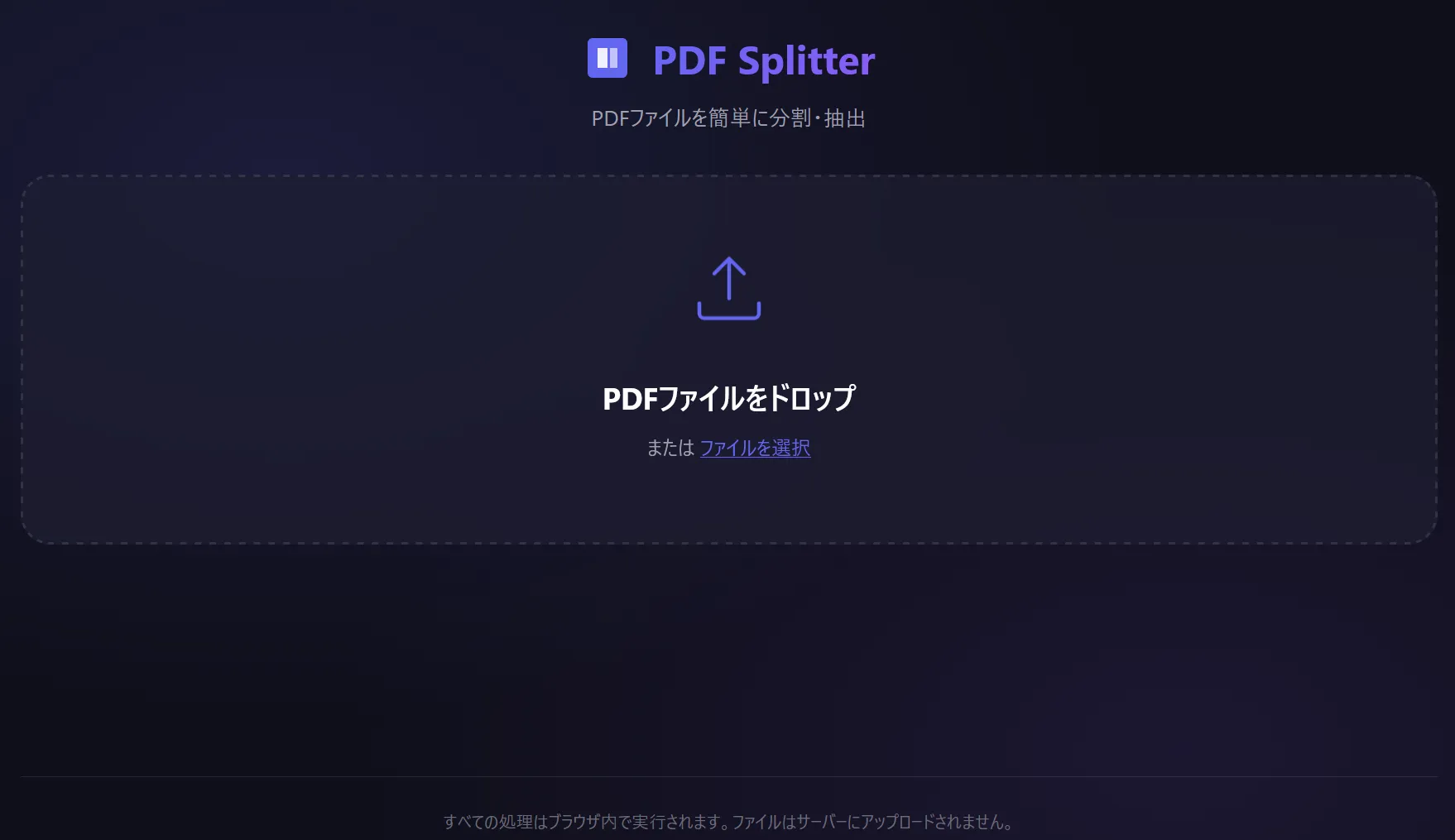
Built in one day. Simple, but this is the app I use most frequently.
The Impact
I use it every single day. That’s not an exaggeration.
It’s especially powerful during job posting season when hundreds of PDFs arrive at once. It’s also great for managing teaching materials and handling sensitive documents safely. Colleagues appreciate the “nothing gets uploaded” guarantee.
4. Travel Expense App — From 20 Minutes to Under 5
The Problem
Teachers travel more than you’d expect. Training sessions, tournament supervision, school visits. Each trip requires filing expense reports.
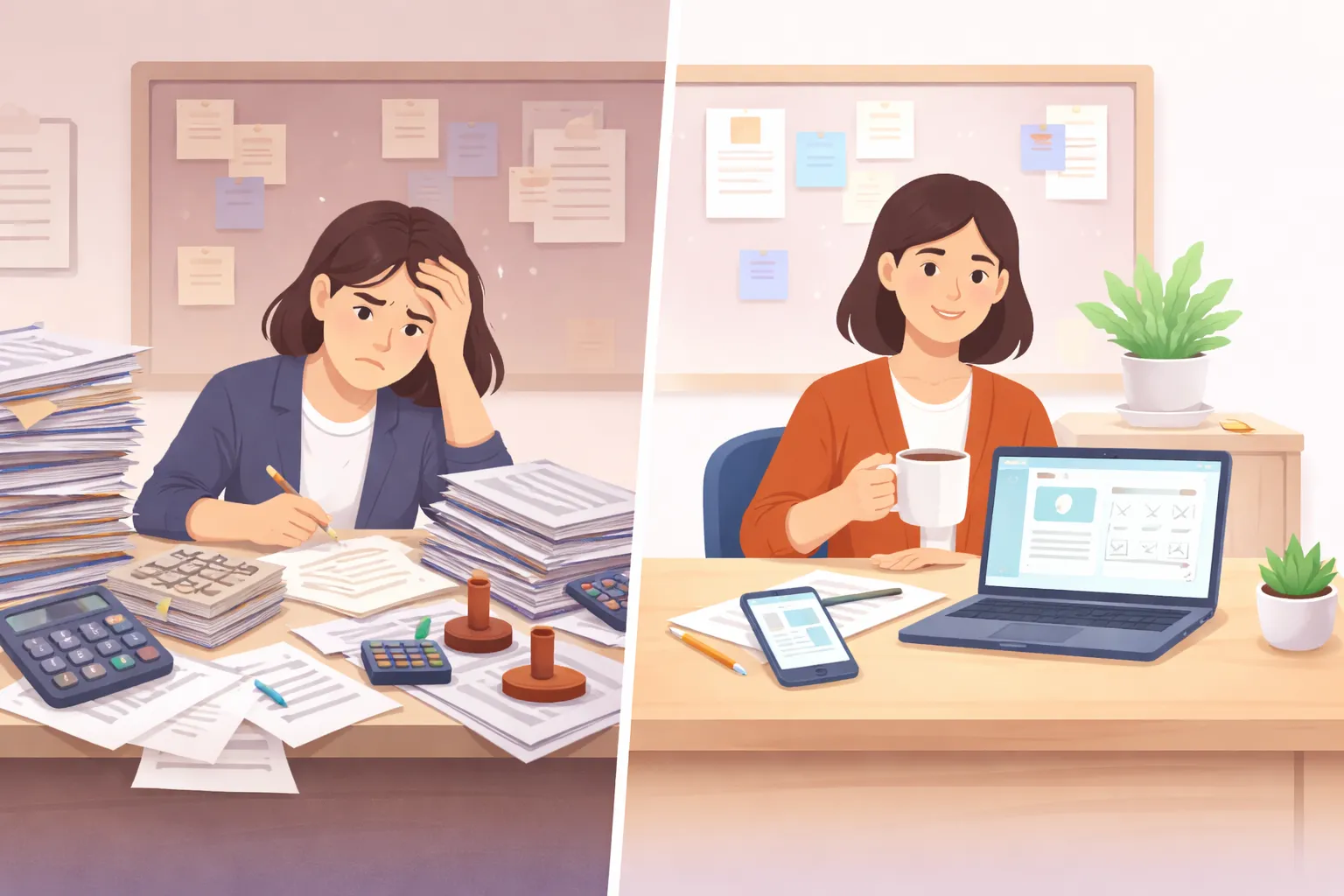
With the paper-based system, you fill out two forms by hand. Look up the route and fare. Calculate the daily allowance. Get your supervisor’s stamp. One expense report takes about 20 minutes.
What I Built
A React PWA for travel expense claims. Search for your route on your phone, and the app generates the paperwork automatically. Works from anywhere.
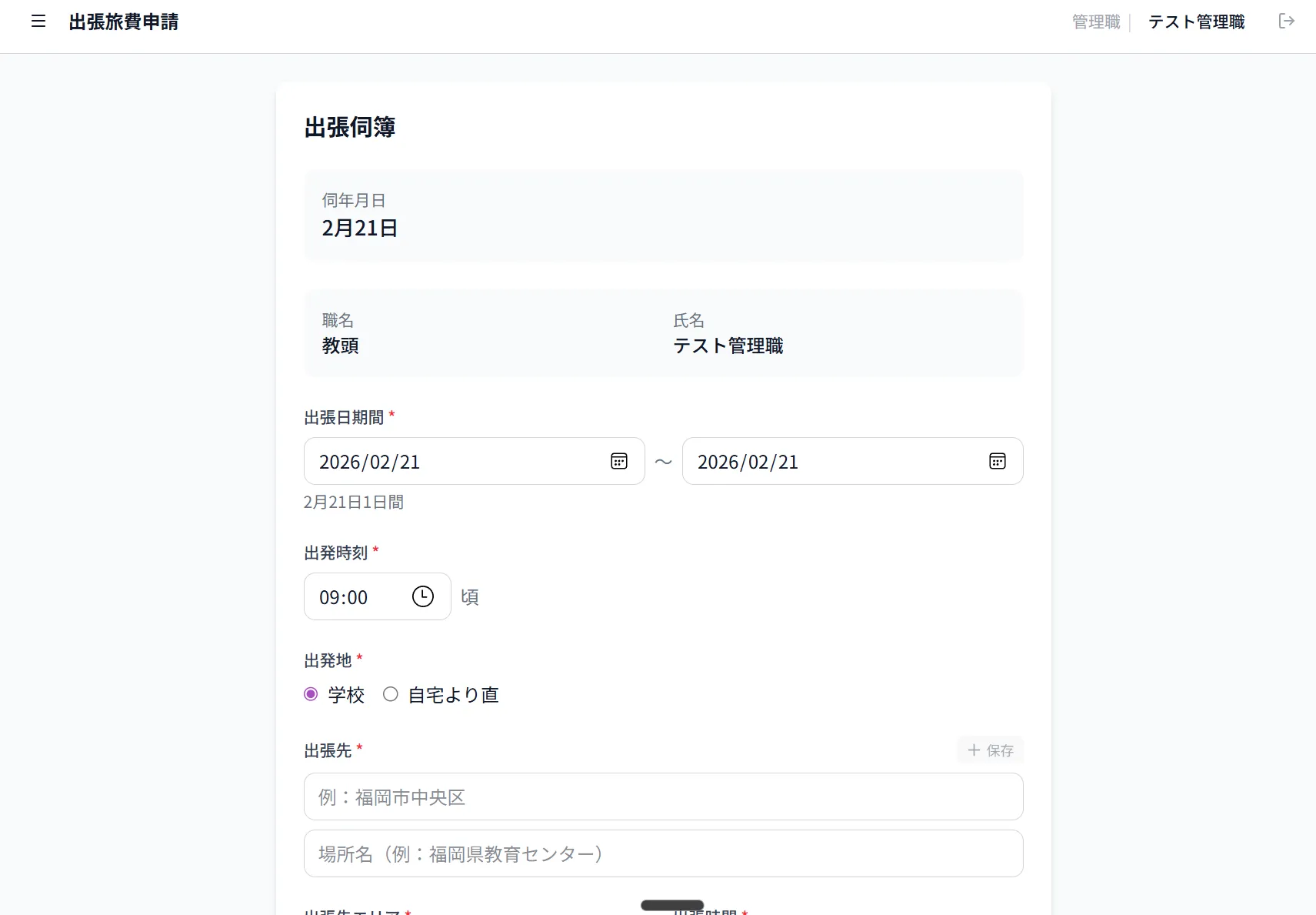
Unlike my other apps, this one took over a month to build — and I’m still updating it three months in. Travel expense rules are surprisingly complex, with edge cases surfacing every time someone uses it. “What about this route?” “What if there’s an overnight stay?” Each question leads to an improvement. This app taught me what software maintenance really means.
The Impact
20 minutes down to under 5. That’s a measured result, not a guess. And you can do it from anywhere — I’ve completed expense reports on the train ride home from the trip itself.
5. Homeroom Notebook — The Grand Finale
The Problem
Being a homeroom teacher involves juggling many responsibilities: student records, seating arrangements, attendance, notes, meeting records. All scattered across multiple Excel files, paper notebooks, and my own memory.
And it’s all personal student data. Can’t put it in the cloud. Carrying it on a USB drive is risky too.
What I Built
A desktop application built with Tauri 2.0. Runs entirely offline, with encrypted backups (AES-256-GCM). It unifies student management, seating arrangements (drag-and-drop), group assignments, attendance tracking, and note-taking into a single app.
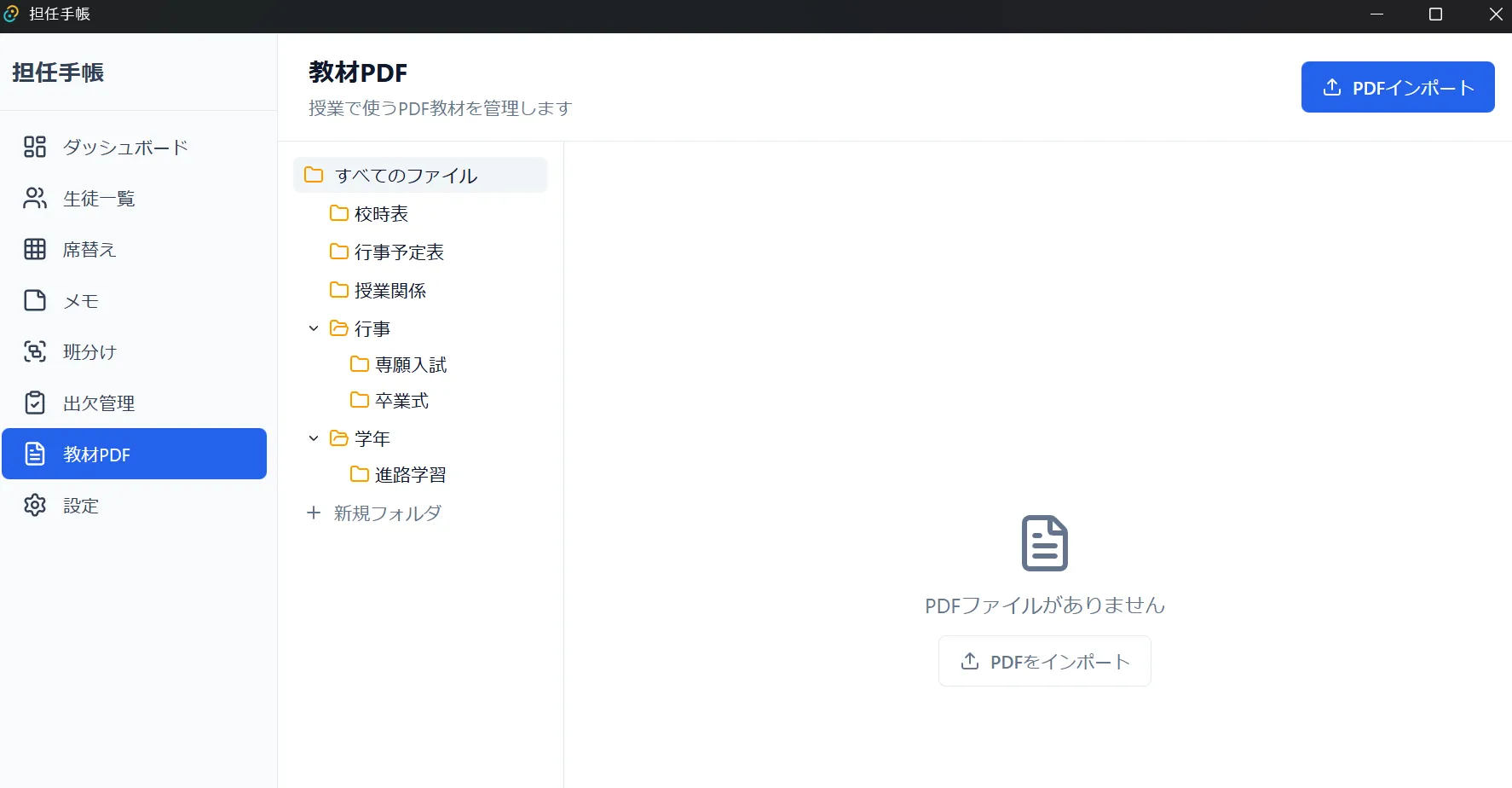
Core features done in 4 days. But this app is where everything I learned from the previous four came together. The drag-and-drop from the seating tool. The PDF management knowledge. The UI design philosophy. Building four apps first gave me clarity on what a homeroom teacher actually needs.
I’m still refining it — print layout optimization, a “teacher’s podium view” for seating charts, furigana (reading aid) support. The “build it, use it, improve it” cycle has become my natural workflow.
The Impact
All homeroom tasks in one place. No more “where’s that file?” moments. And with encrypted backups, I finally feel confident about how student data is stored.
What Vibe Coding Taught Me
Three months of building apps for about 3 hours a day after work. Five apps shipped. Here’s what I’ve learned.
Your Users Are Right Next to You
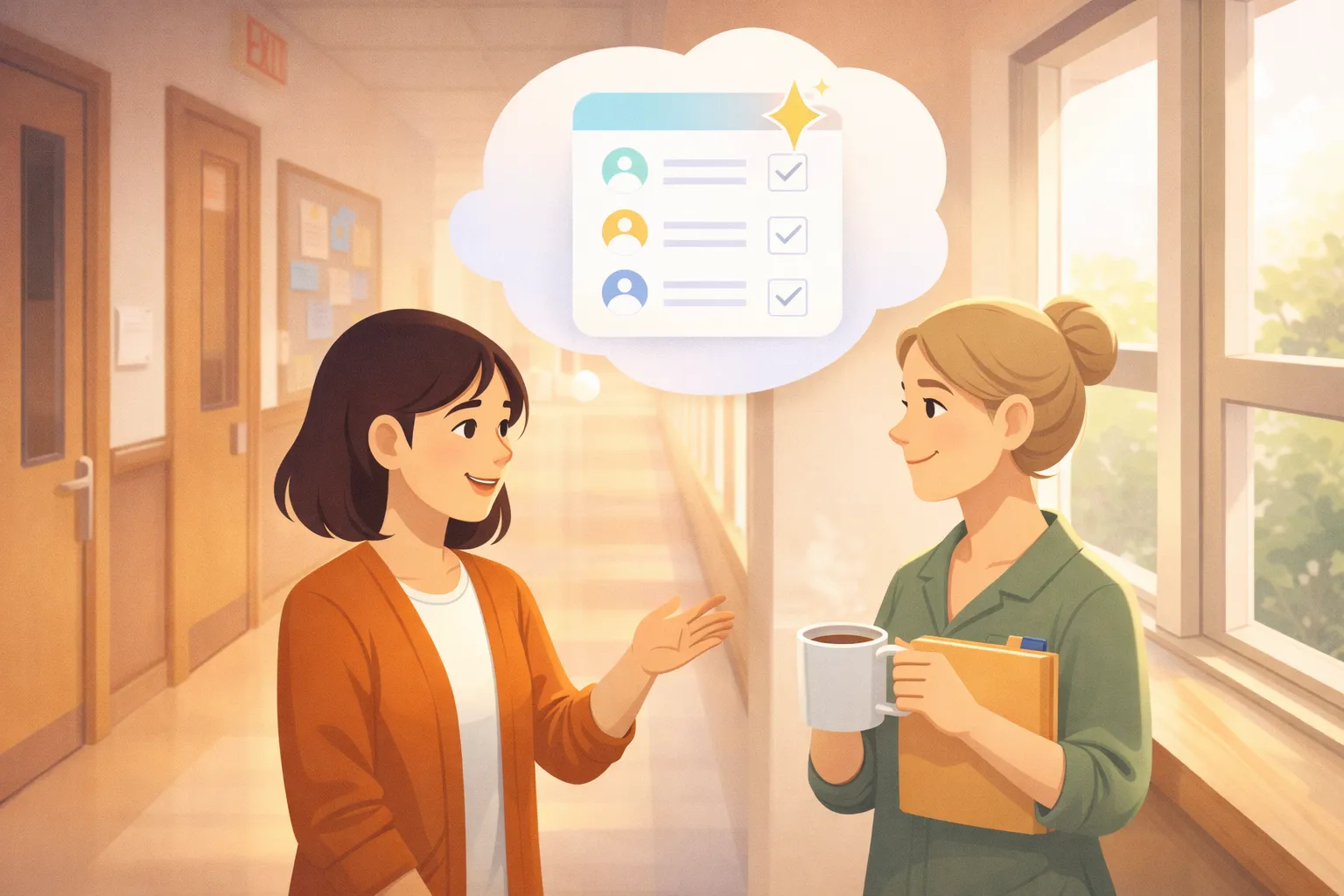
My users are my colleagues — the teachers down the hall. When someone says “hey, it’d be great if this feature worked differently,” I can fix it that evening. No user research needed. No customer interviews. The people with the problems are right there, and I can deliver solutions the next day. This is a privilege that professional developers don’t have.
Don’t Aim for Perfect
If I’d tried to build the perfect app from the start, nothing would have shipped. The seating tool was built in a day and deployed the next morning. It had bugs. It looked rough. But it was better than Excel. “Better than Excel” — that was a good enough bar.
Build it. Ship it. Improve it based on real feedback. The travel expense app is still getting updates three months later. Vibe coding pairs naturally with continuous improvement, not “finished products.”
Building Changes How You See Things
Going from user to builder completely shifts your perspective. Every time I used to think “why is this app designed so poorly?” — now I understand there was probably a reason. Security constraints, edge cases, UI trade-offs. You only truly get it once you’ve built something yourself.
This has broadened my perspective as a teacher too. When students ask “what even is programming?”, I can answer with my own words instead of a textbook definition. (I explored this topic further in my essay on why AI matters now.)
The Takeaway: Your Frustrations Are Product Ideas
Vibe coding has dramatically lowered the barrier to building software. You don’t need to write code — you need to articulate what you want to build.
All five of my apps started with frustration. Seating charts are tedious. Progress tracking is messy. PDF handling feels risky. Expense reports take forever. Homeroom tasks are scattered everywhere. None of these are unique problems. Every teacher deals with them.
But now we live in an era where those everyday frustrations can become real applications. The skill you need isn’t programming — it’s the ability to put your problems into words.
If you’re someone who thinks “I wish my workplace were better,” give vibe coding a try. The first step is simply telling an AI: “I want something like this.”

If you’re interested in learning more about building apps for schools, check out shop.imkisyou.com.